WhatsApp Setup Instructions
WhatsApp notifications for new bookings. Receive instant alerts directly to your WhatsApp when a new booking is created or status changes.
Setup Instructions
- Go to developers.facebook.com and create a new app. Select business type.
- Add WhatsApp product to your app
- Go to WhatsApp – API Setup – you will see a test phone number and a temporary token
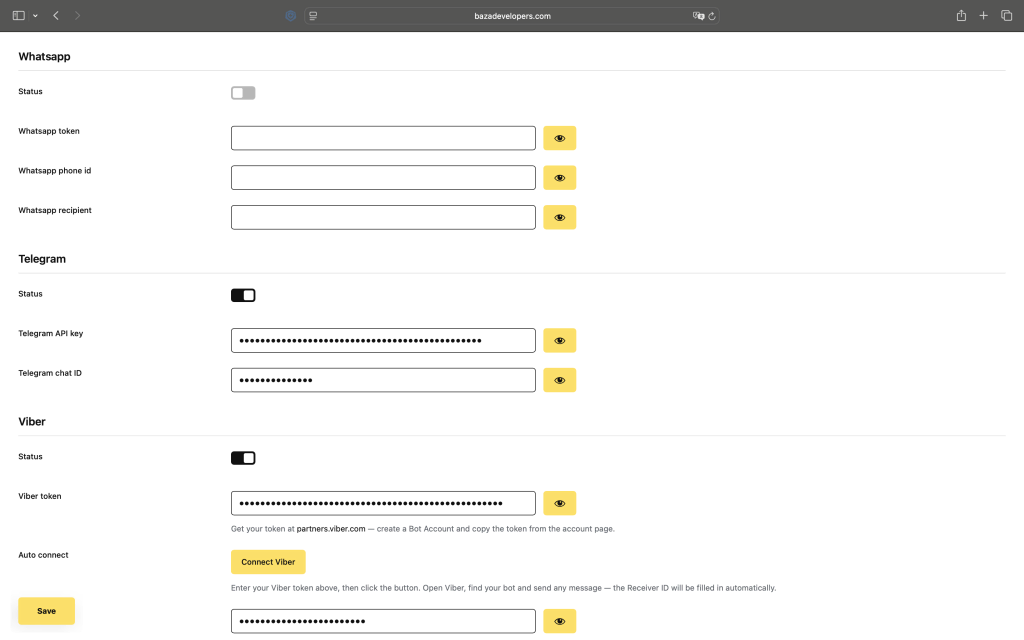
- Copy the token and paste it into the WhatsApp Token field above
- Copy the phone number ID and paste it into the WhatsApp Phone ID field above
- Enter the recipient’s phone number in international format (e.g., +1…) into the WhatsApp Recipient field above – this is the number that will receive booking notifications
- To get a permanent token, go to Business Settings – System Users – Add, assign the app, and generate a permanent token with WhatsApp Business Messaging permission.
- Save settings and make a test booking to verify notifications are working
Last Modified: 23.07.2026
