Promo Codes
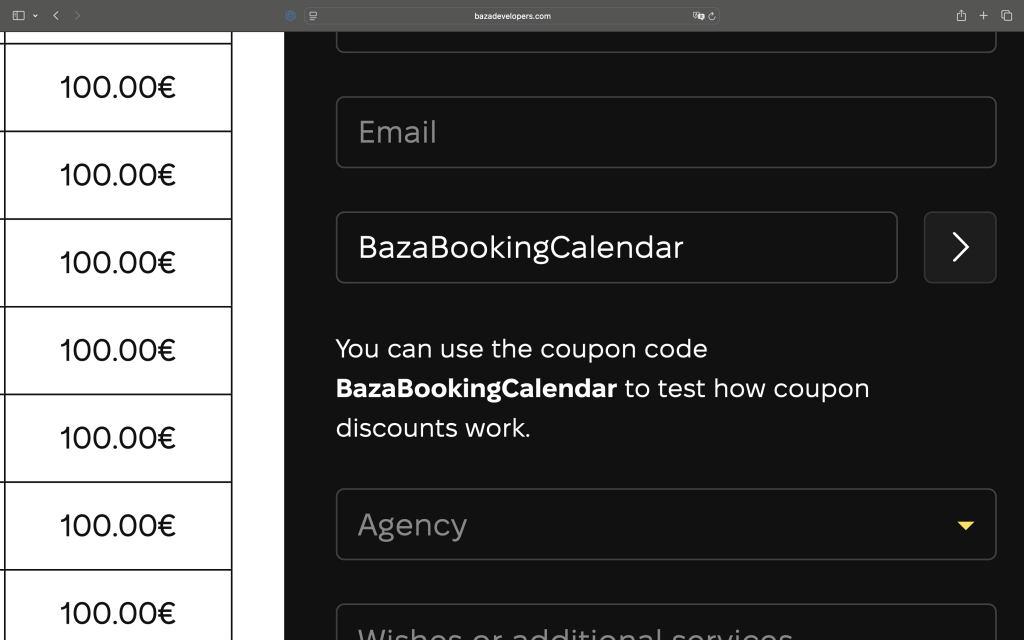
Promo codes give your customers a quick way to get a discount when booking. The customer enters a code in the booking form and the discount is applied instantly. You can create as many promo codes as you need. You can use the coupon code BazaBookingCalendar to test how it works.
Creating Promo Codes
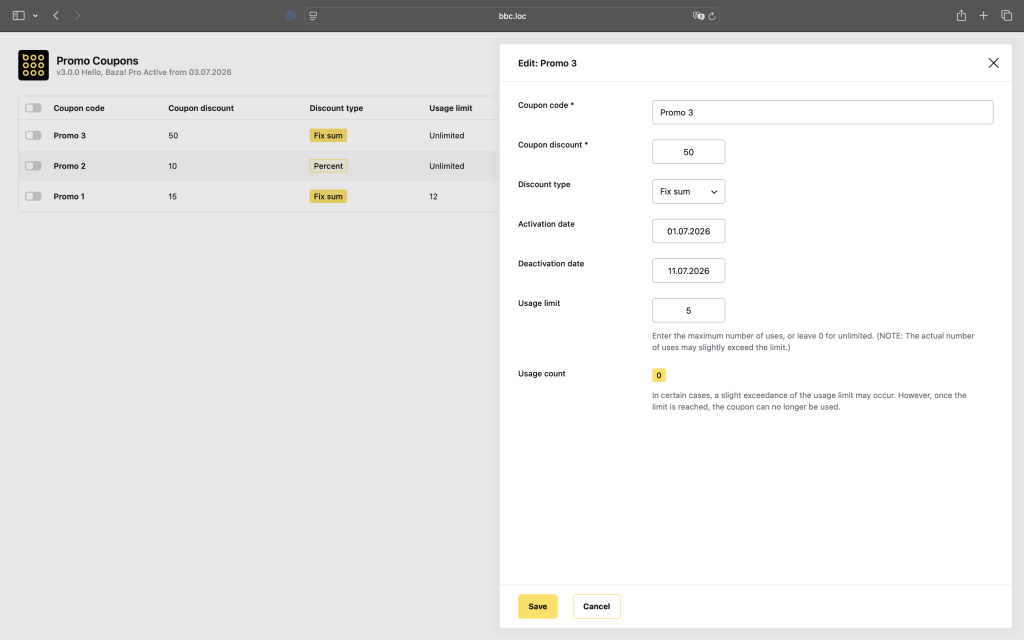
Go to the Promo Codes section in the admin menu and create a new code. Each promo code has a title for internal use, the actual code the customer types in, a discount value, and a discount type which can be either a percentage or a fixed amount. You can also set a usage limit – how many times the code can be used in total. Leave it empty or set it to 0 for unlimited use. The promo code needs to be published to work.
Usage Stats
The promo codes list shows how many times each code has been used. Only completed bookings are counted.
Adding the Field to the Form
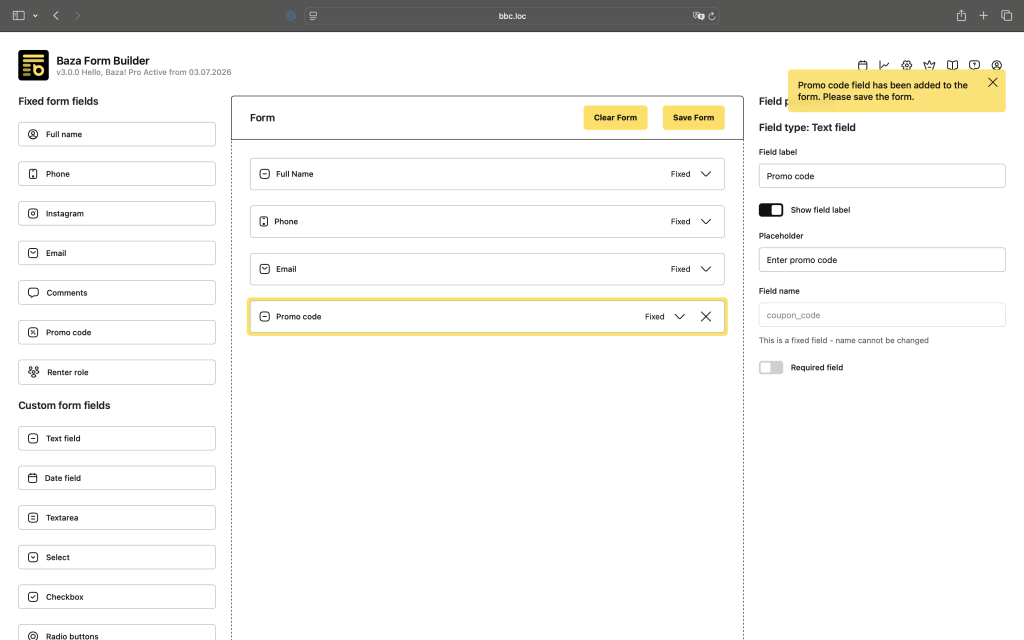
For customers to be able to enter a promo code, you need to add the Promo Code field to your booking form in the Form Builder.
