Form Builder
The booking form is not fixed. With the Form Builder, you can add, remove, and rearrange fields directly from the WordPress admin panel without touching any code. When you’re done, just hit Save Form.
Field Settings
Each field has a label, a placeholder, and options to mark it as required or hide the label. Custom fields also have an editable field name, which is the key used to store the value in the database. You can add a CSS class or ID for styling purposes. Textarea fields have a row count setting that controls their height. Select, radio, and roles fields let you define the list of options as key and value pairs.
Fixed Fields
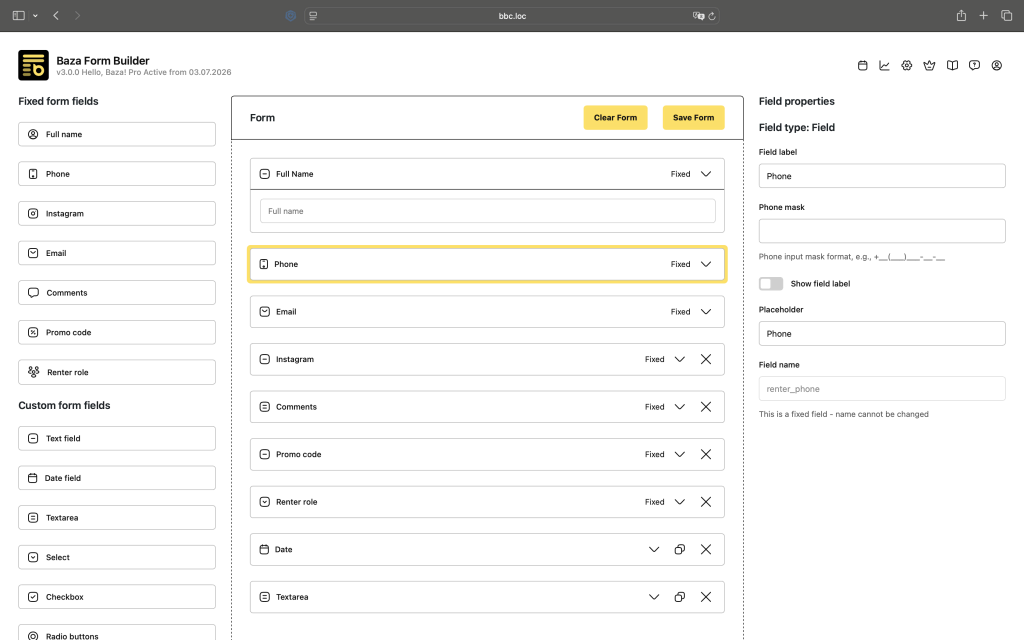
Fixed fields have a set name and certain settings that can’t be changed, but you can control how they look. The available fixed fields are Full Name, Phone, Email, Instagram, Comment, Promo Code, and Renter Role. Phone is always required. Email is needed if you have user registration enabled during booking.
Custom Fields
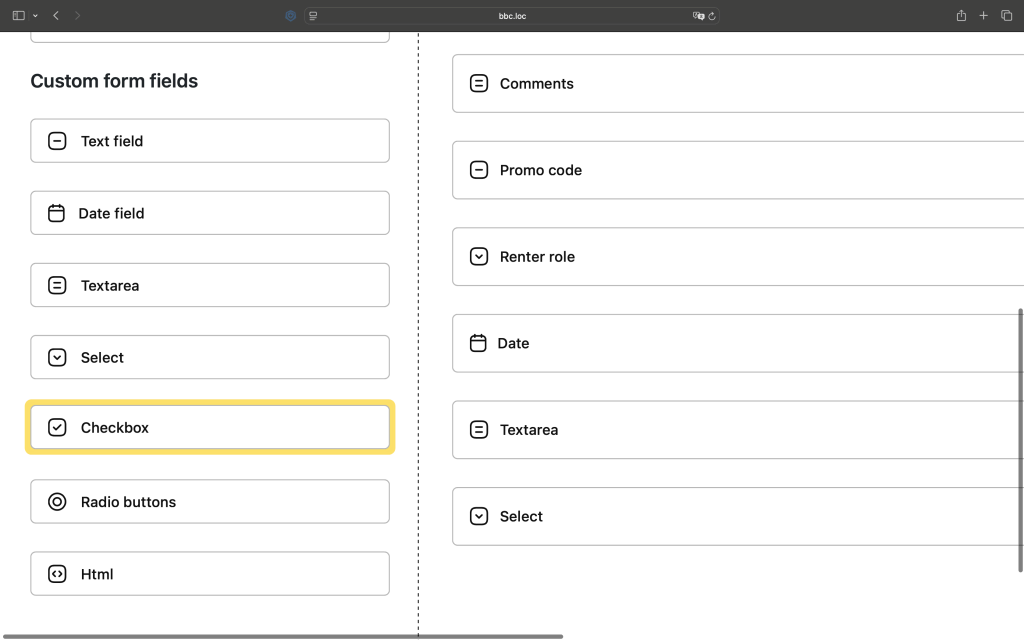
Custom fields are fully up to you. You can create fields of the following types: text, textarea, date picker, select, checkbox, radio, and HTML editor. The HTML editor type lets you insert any custom HTML content into the form, which is useful for notes, disclaimers, or any extra information you want to show between fields.