Client Panel: Bookings, Profile and Password
The client panel is a page where a signed-in client manages their own account and bookings. You add it to any page with the dashboard shortcode.
What clients can do
- See their bookings and their dates.
- Edit the profile and change the password, after they confirm the current one.
- Cancel a booking. Clients confirm the cancellation before it is made.
- Delete their account and, if they choose, their booking history. Personal data is anonymized and cannot be recovered.
Add the panel to a page
Put the dashboard shortcode on a page and link to it from your menu. Clients who are not signed in see the login form instead.
Add a booking to the calendar
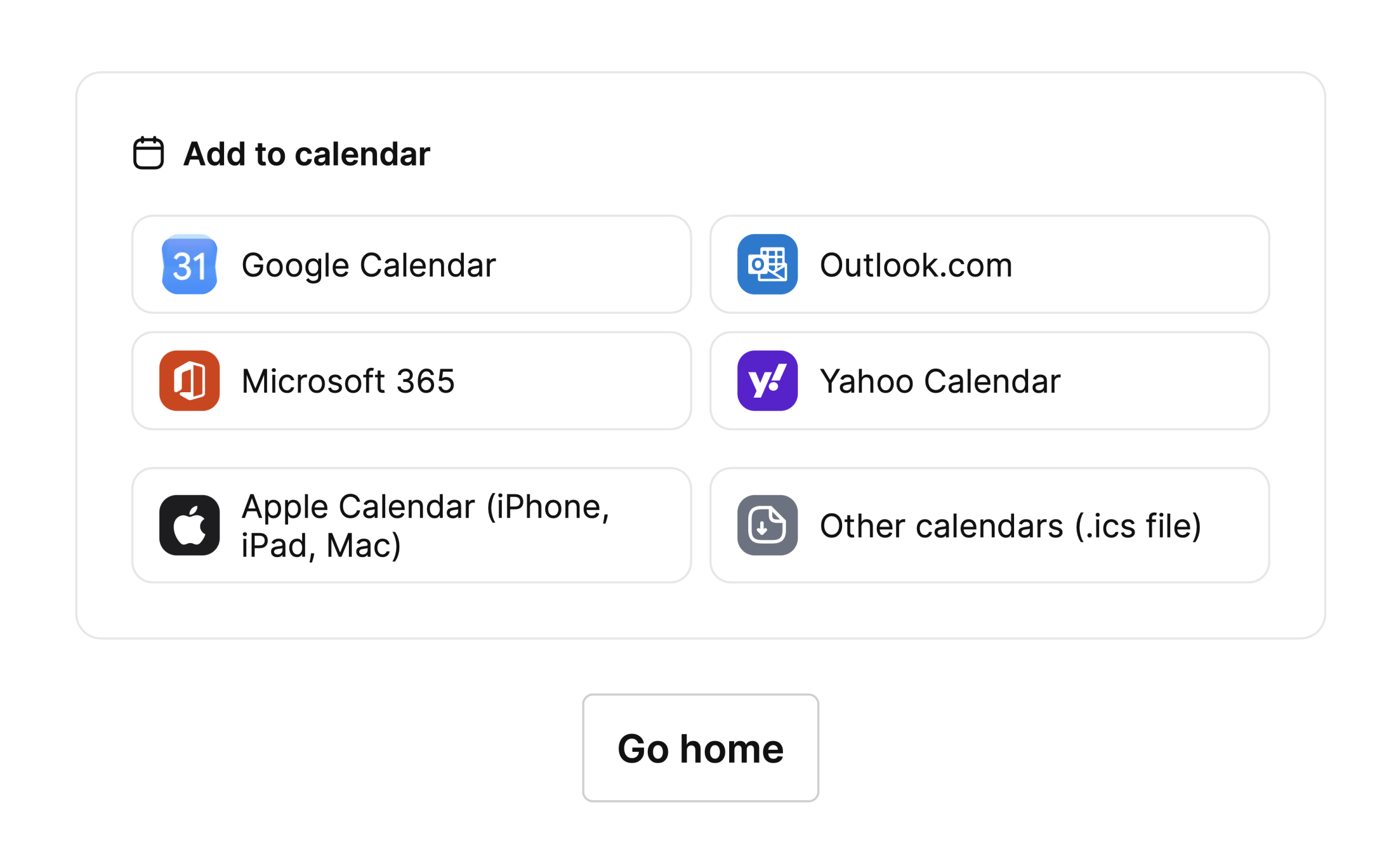
The card of a confirmed booking has an Add to calendar block with buttons for Google Calendar, Outlook.com, Microsoft 365 and Yahoo Calendar and two buttons for the calendar file: Apple Calendar (iPhone, iPad, Mac) and Other calendars (.ics file).
Last Modified: 09.11.2026
