Add to Calendar: the .ics File and Calendar Links for Bookings
Baza Booking Calendar can give a client the booking as an event in their own calendar. The client gets a calendar file (.ics) with the confirmation letter and an Add to calendar block with buttons for the popular calendars. The feature is free and it works in every build of the plugin.
What the client gets
- A calendar file attached to the confirmation letter and to the letter about a changed booking. A line with the same links is added to the text of the letter.
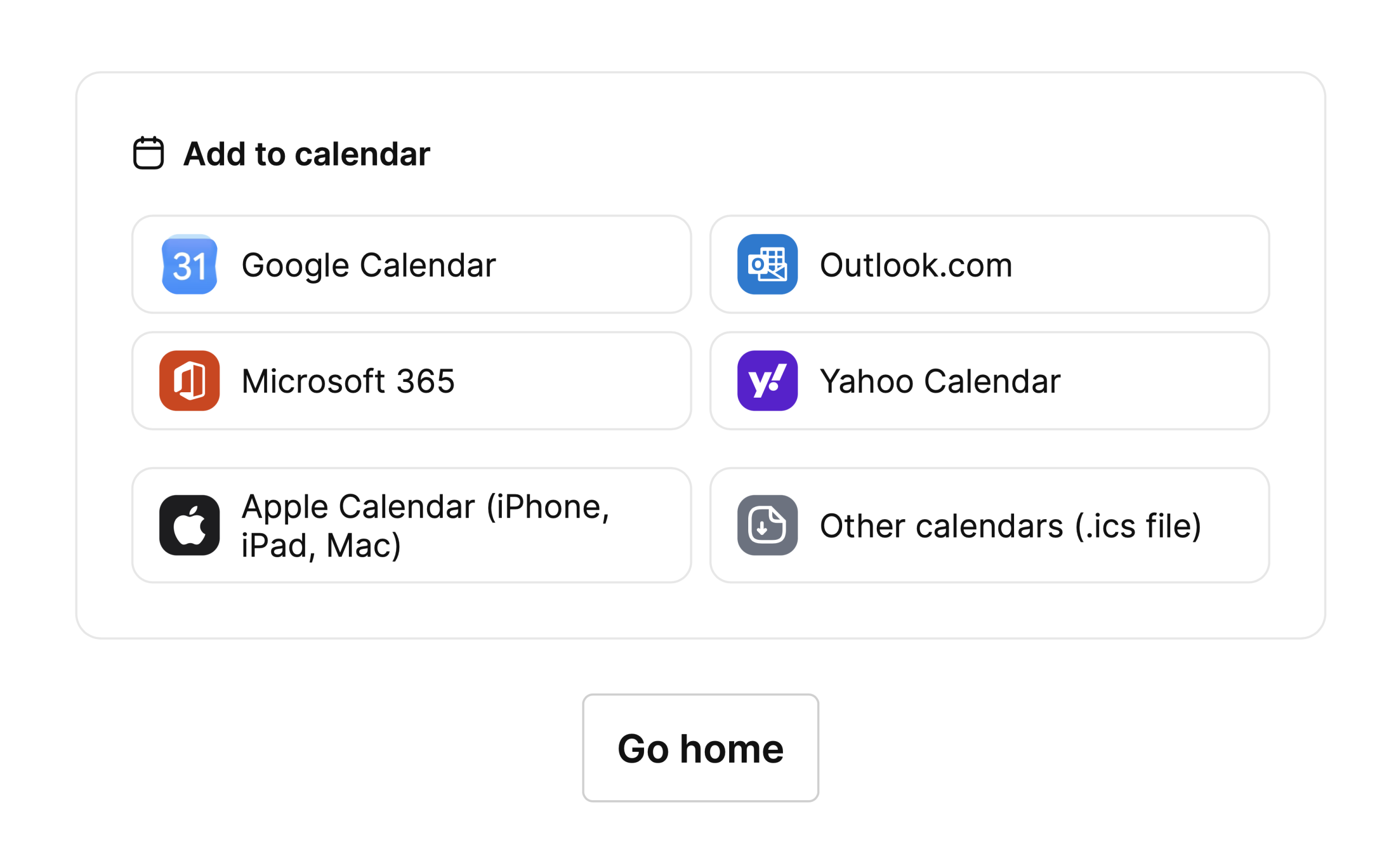
- An Add to calendar block on the page that opens after a successful booking or payment, and in the booking card in the client panel.
- Buttons for Google Calendar, Outlook.com, Microsoft 365 and Yahoo Calendar, and two buttons for the file: Apple Calendar (iPhone, iPad, Mac) opens the file without a download (an iPhone or iPad offers to add the event at once, and on a Mac the file goes to Calendar), and Other calendars (.ics file) saves the file for other programs. The link to the file ends in .ics.
- When a booking has several runs of hours, each run has its own row of buttons, and there is one file.
The letter line and the block appear only for a confirmed booking, with the status Booked.
What is in the event
- One event for each continuous run of hours of one service on one day. Another day, or a gap between the hours, makes a separate event.
- The title is “Booking: ” and the name of the service.
- The place is the address of the service, when the service has an external location.
- The description has the booking number, a link to the client panel, and the Zoom and Google Meet links when the booking has them.
- Times are saved in UTC, so a change of the clock in spring or autumn does not move the event.
- When the hours of a booking change, the version number of the event goes up, so the calendar updates the event and does not add a new one.
Settings
Open Settings, then Messages. The two calendar options are above the Reminders section.
- Attach a calendar file to the client’s letter: on by default. It controls the file in the letters and the Add to calendar links.
- Send a calendar cancellation: off by default. When a booking that was sent to the client’s calendar is rejected or expires, the client gets a file that removes the event.
Download link
The file is downloaded from a signed link that is tied to the booking and to the e-mail address of the client. A wrong link answers “not found”, and the number of requests is limited, so nobody can find booking numbers by trying.
Good to know
- A cancellation can only take back an event that was handed over in a letter.
- The file in the letter is added in the same way for the standard mail and for SMTP plugins that send what WordPress prepared.
Last Modified: 29.10.2026
